
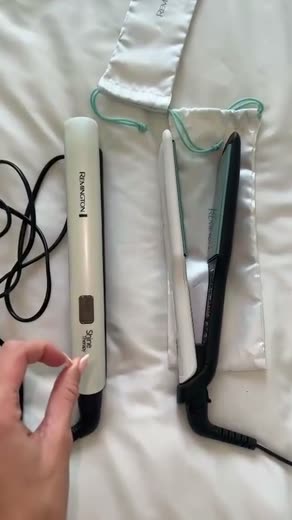

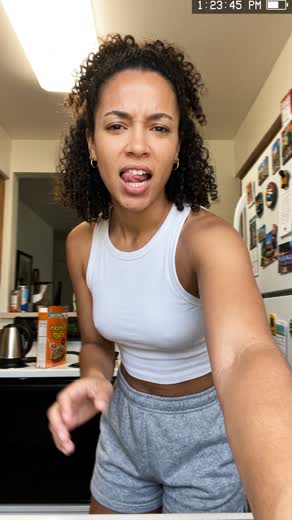






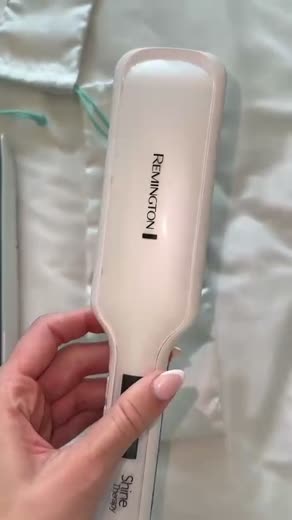
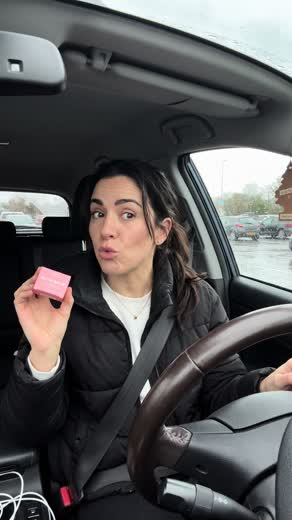

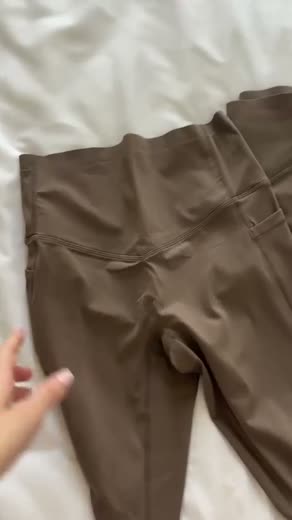
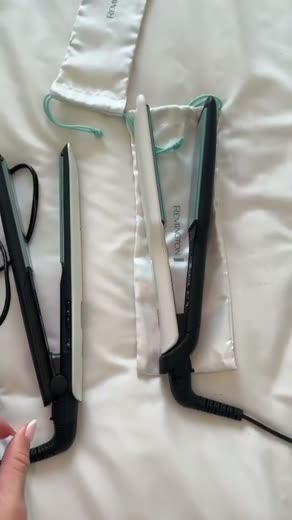


Film all day.
Edit NEVER.
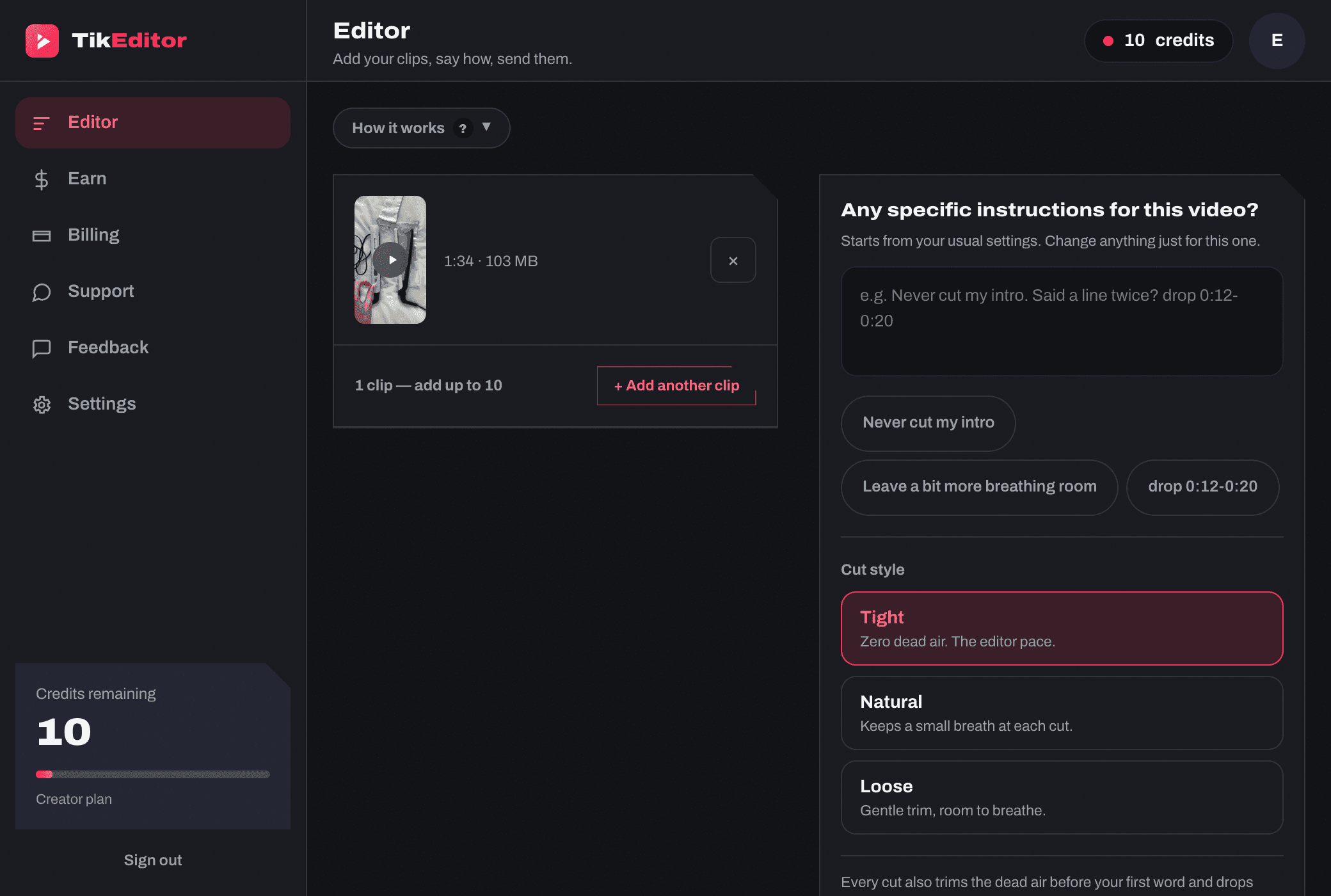
TikEditor cuts the dead air, the pauses and the repeated takes out of your Shop videos for you. Upload the whole day’s filming and it’s ready to post before you’ve made a coffee.
+
of editing a month, gone
+
videos cut in one batch
for a typical cut, start to finish
Product footage
On camera
Cut and posted
TikTok Shop affiliate
Used every day by top-1% Shop affiliates.
They film 10+ videos a day, and the editing used to take every evening. Now the whole batch goes through TikEditor while the next shoot gets going.
10+
filmed in a day
300+
posted in a month
Watch an evening
of editing disappear.
Not sped up. Raw clips go in, videos ready to post come out, with the dead air and repeated takes gone.

3 days free, up to 10 videos. Card required.
Filming takesan hour.Editingtakes the evening.
Never posted, because of the editing?
Hours every night in CapCut?
Paying an editor £1,000+$1,300+ a month?
Three taps between
filming and posting.
Straight off your camera roll. They upload in the background while you keep picking.
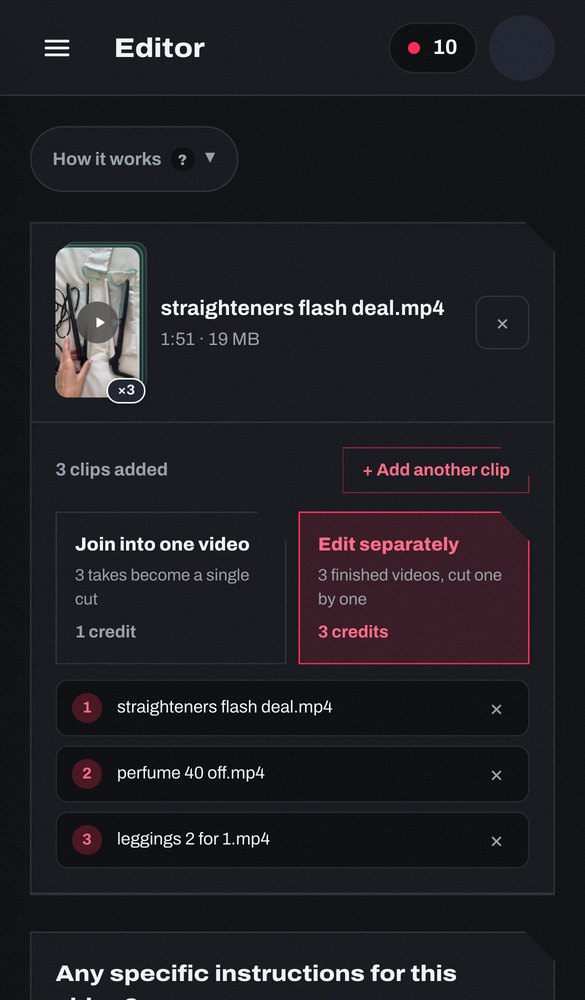
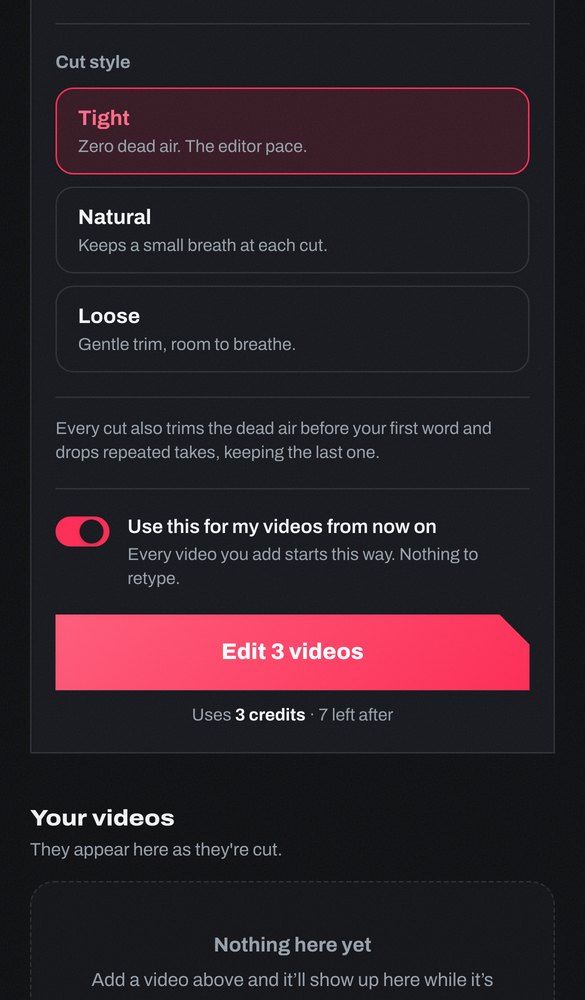
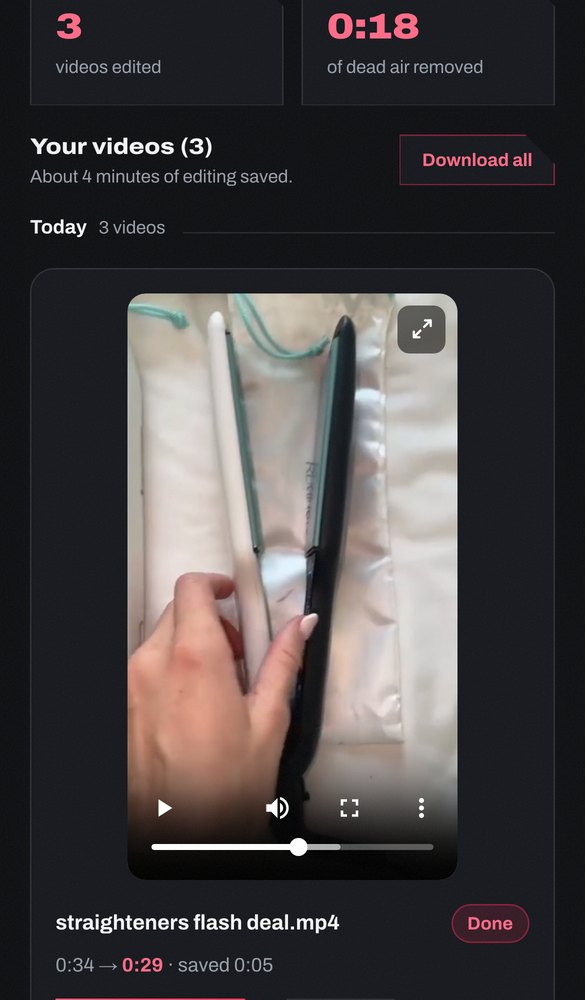
Three ways to get the same ten videos cut.
Every pause, by hand.
A brief, then a wait.
TikEditor
You film. It edits.
- What it costs
- Doing it yourself: Free. It costs your evenings instead
- Paying an editor: A retainer. Every month, whatever you film
- TikEditor: From under 34punder 44¢a video, on Pro
- Your time per video
- Doing it yourself: The whole edit, by hand
- Paying an editor: Writing the brief, checking it back
- TikEditor: Upload it and walk away
- Ready to post
- Doing it yourself: Tonight, if you have the energy
- Paying an editor: A day or two
- TikEditor: Under a minute
- Ten in a row
- Doing it yourself: That is the whole evening
- Paying an editor: Ten briefs, and a queue
- TikEditor: One batch, one wait
- The same cut every time
- Doing it yourself: Whatever mood you are in
- Paying an editor: Whoever is on shift
- TikEditor: Your settings, every video
Timings are our own: the median cut finished in 46 seconds across 104 real videos (26 July – 7 September 2026).
One credit. One video.
Any clip up to 5 minutes is one credit. A 30-second unboxing and a 4-minute review cost the same.
3 days free, up to 10 videos. Card required. Cancel before day 3 and you pay nothing.
Need more mid-month? Top up: 20 videos for £20 · 55 videos for £50 · 120 videos for £10020 videos for $25 · 55 videos for $65 · 120 videos for $130. They never expire.
On every plan, including the free trial
- Dead air, pauses and repeated takes cut
- Tight, Natural or Loose, plus your own fine-tuning
- Several takes joined into one video
- First re-cut of each video free, within 3 days
- Top-up credits that never expire
Plans only differ in how many videos you get. Monthly videos reset at each renewal and don’t roll over.
Share your code. Get paid.
Refer a friend
10% of every payment they make. They get 10% off their first.
5 friends on Creator, paying monthly, pay you
£34.95£33.70a month
For as long as they stay. The month they join pays £31.45£30.35: their first payment is 10% off. A payment in dollars is counted in pounds at $1 = 75p, and you are paid in pounds.
Your code is already in your dashboard. Paid by bank transfer once you pass £25.
3 days free. Card required.
Partner programme
Your own rate,
agreed with you.
For agencies and creators who bring real volume: a higher rate than the public one, assets for your content, early sight of new features. By application.
We reply either way.
Keep it one tap away.
TikEditor runs in your browser, so there is nothing to download. Add it to your home screen and it opens like any other app, straight to your videos.
- Step 1
Tap Share
The box with an arrow. Bottom of the screen in Safari, beside the address bar in Chrome.
- Step 2
Add to Home Screen
Scroll the list down a little. It sits under Find on Page.
- Step 3

Tap Add
The TikEditor icon appears with your other apps.
3 days free, up to 10 videos. Log in if you already have an account.
Before you start.
What happens to my footage?+
Processed, delivered, then permanently deleted after 30 days. Never reused, never used for training.
Which files work?+
MP4 and MOV straight off iPhone or Android. 9:16, HEVC and 60fps are all handled. Max 5 minutes per clip.
Does it catch repeated takes?+
Yes. When you say a line again, it keeps the last attempt and cuts the earlier ones. It's on by default and you can switch it off.
How is this different from CapCut?+
CapCut hands you tools to edit one video yourself. TikEditor edits the whole batch for you, at the pace top Shop affiliates cut to.
Can I change the pacing?+
Tight, Natural or Loose. Tight is the full editor pace; Loose keeps more breathing room.
Can I cancel anytime?+
One click from your dashboard. Unused top-up credits stay yours.
Anything else? Tap the chat button, bottom right. Lucy, our AI assistant, answers straight away, and a real person is one tap away.
What should we build next?
Tell us what went wrong or what’s missing. It goes to the people who build TikEditor, and it is never published. You don’t need an account.