
HelpYour finished videos
How do I save a video or send it to TikTok?
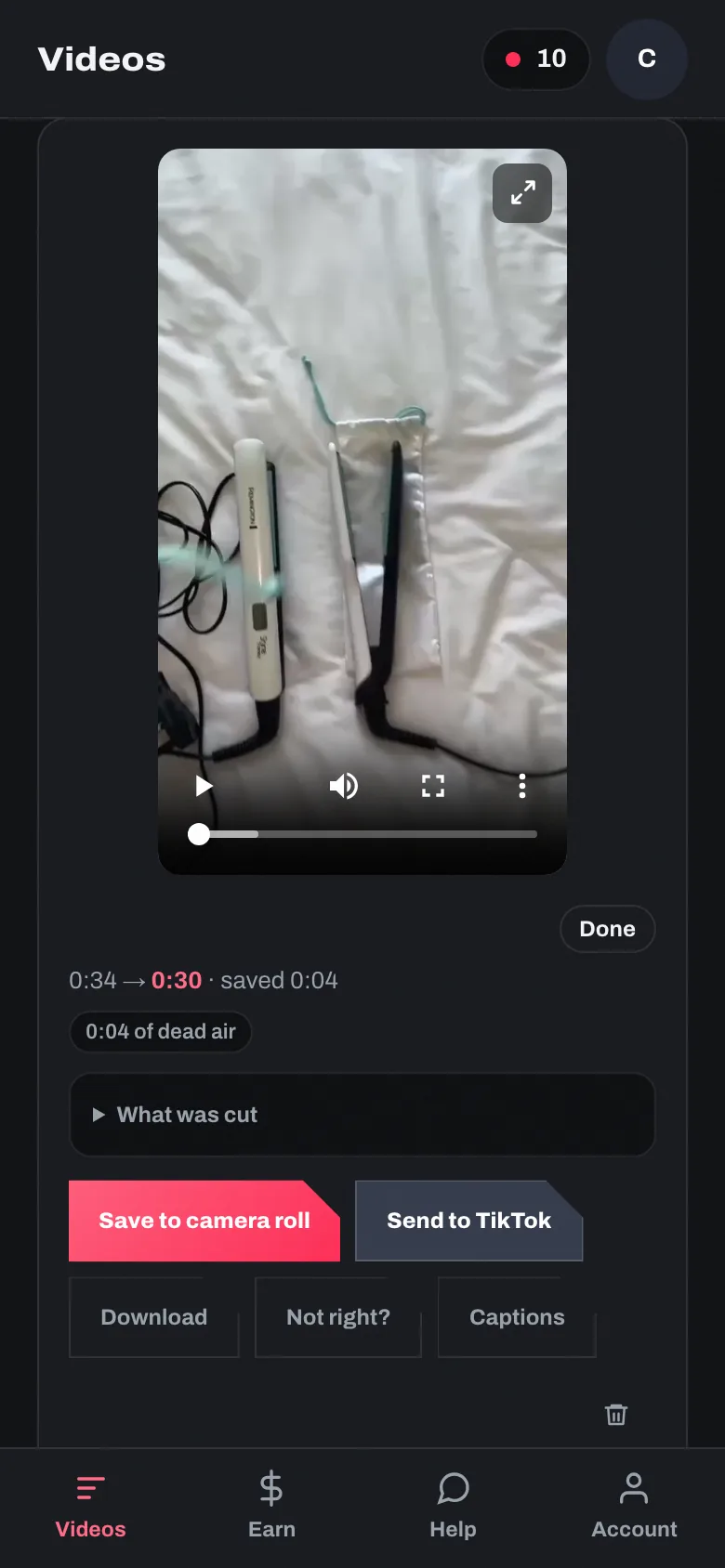
On a phone, a finished video has two buttons: “Save to camera roll” and “Send to TikTok”. Both open your phone’s own share list.
Choose TikTok in the list your phone opens. If it is not there, save to camera roll and add the video inside TikTok.
“Download” saves the file itself, on a phone or a computer.
Still stuck?
Ask in the chat, or send us the question.
Ask us