
HelpGetting started
Can I cut several clips at once?
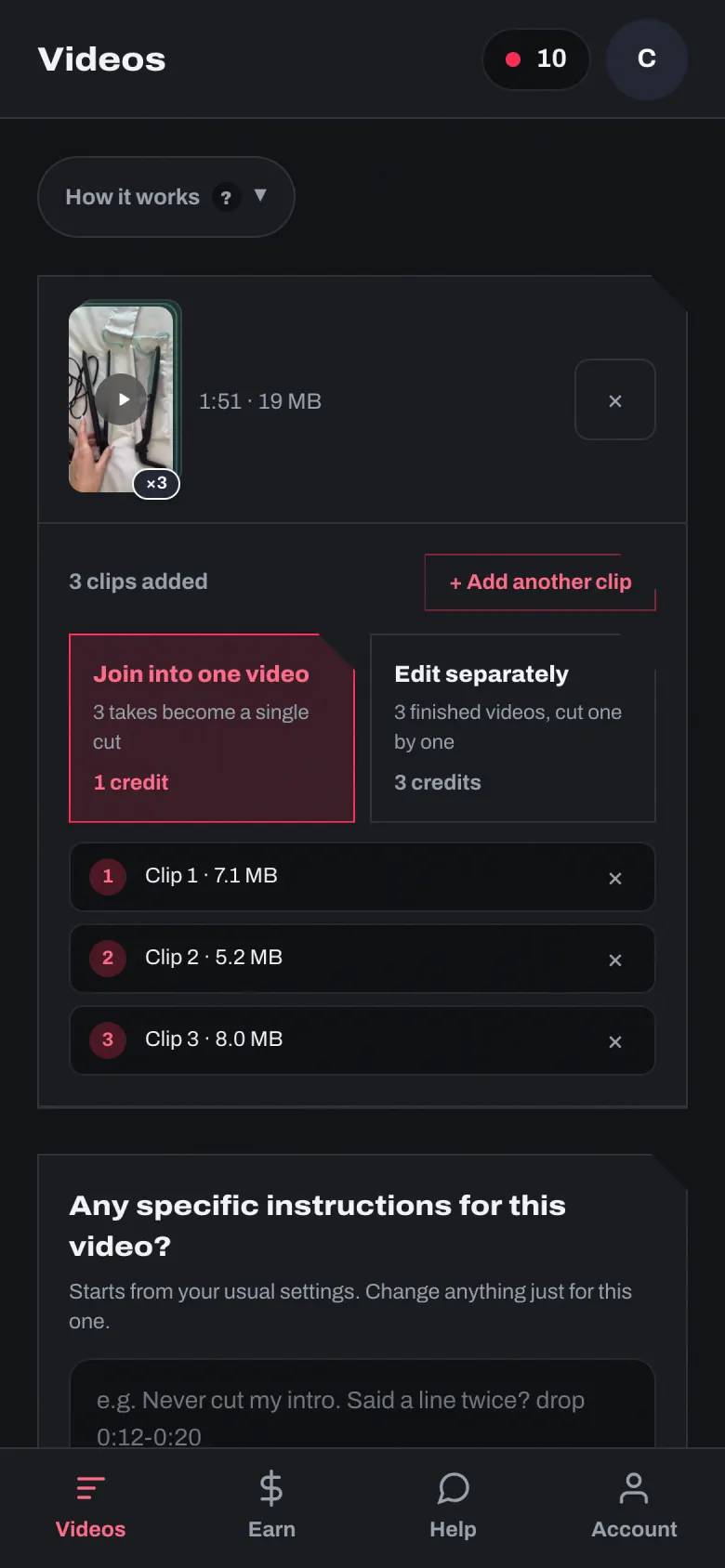
- Drop them all in at once, or press “+ Add another clip” for each take, in order.
- “Join into one video”: the takes are joined into one video before it is cut — one set of instructions, one credit, one finished video. Up to 5 takes.
- “Edit separately”: each clip becomes its own finished video — one credit each. Up to 10 at once.
Still stuck?
Ask in the chat, or send us the question.
Ask us